
Have Old Tapes? Start Here
Your old tapes, ready to watch again
Somewhere there’s a box of old VHS tapes, camcorder tapes, or film reels. Birthdays, first steps, a grandparent laughing at the kitchen table. You filmed it so you could watch it someday.
This guide covers how to get your home videos digitized: converting VHS and other tapes to digital, what to ask a digitizing service, and how to watch your home movies with family once they’re done.
Memory Streamer doesn’t do the digitizing, but here’s how to get it done well.
1. See what you have
Most home video comes in a handful of formats:
- VHS and VHS-C: full-size tapes and the smaller camcorder version
- 8mm, Hi8, and Digital8: small camcorder tapes, common from the late 1980s into the 2000s
- MiniDV: tiny digital tapes, common from the late 1990s on
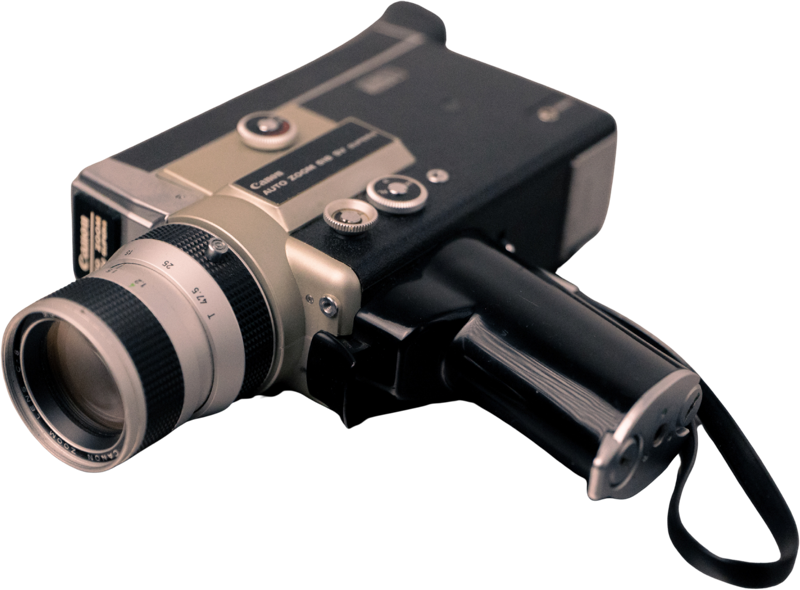
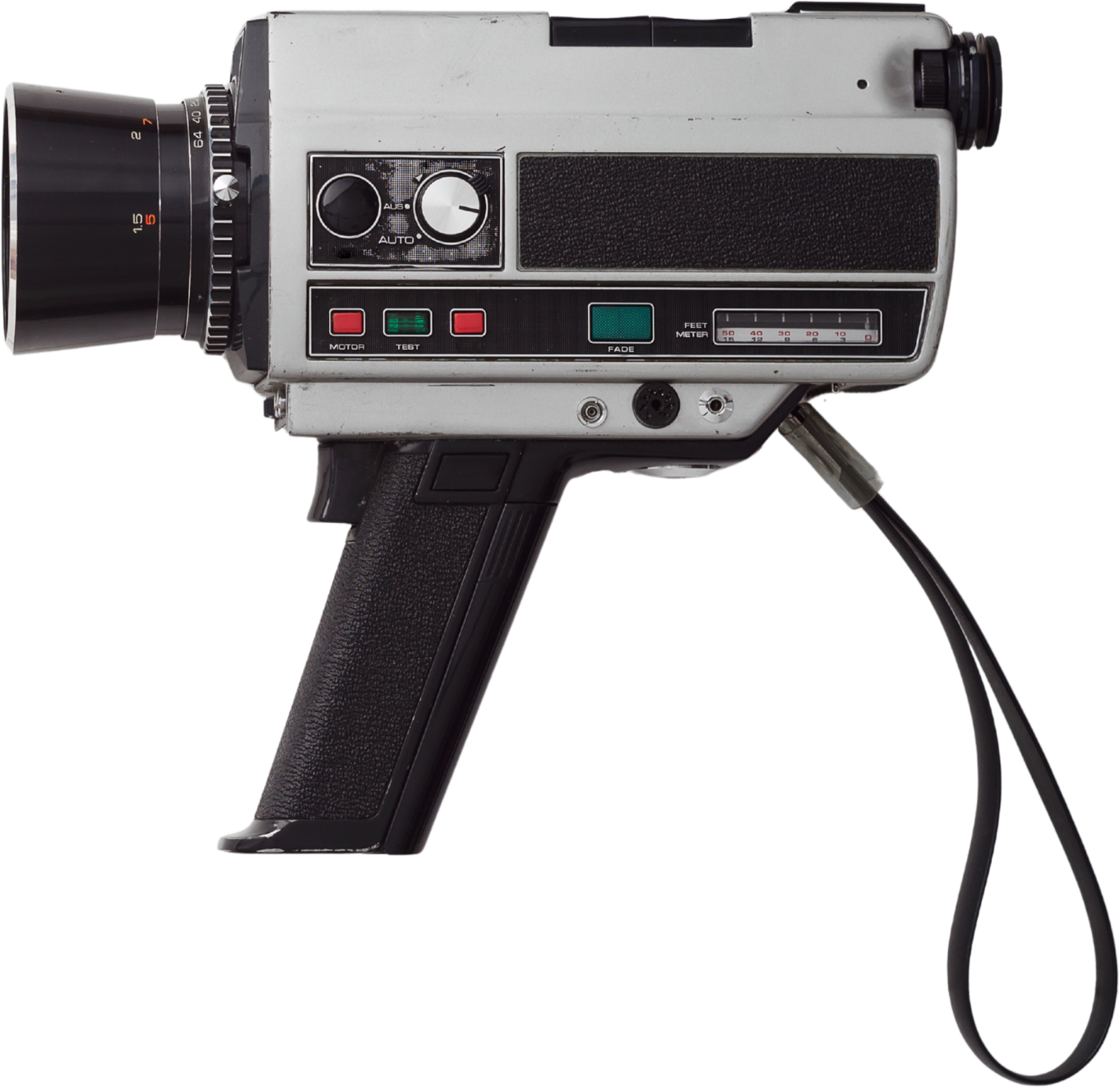
- Film reels: 8mm, Super 8, and 16mm, often from the 1950s through the 1970s
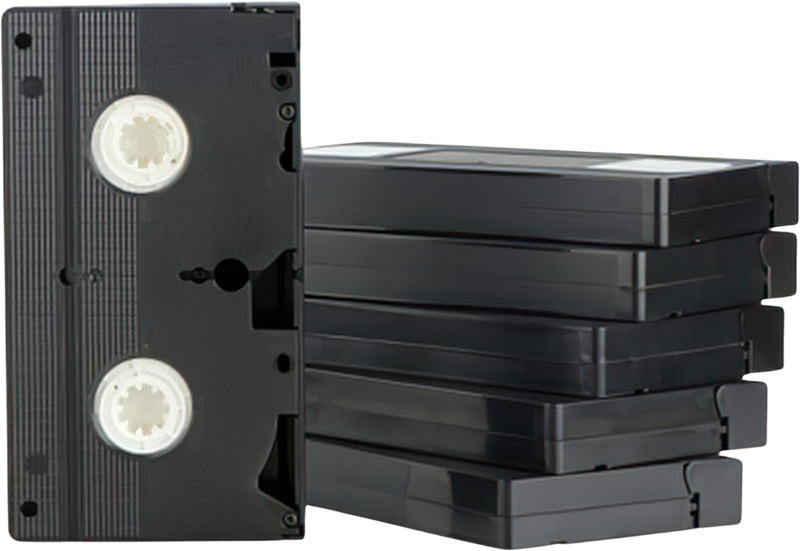
Before anything leaves the house:
- Write a number on each tape, so you can keep them in order.
- Note any dates or names written on the labels or boxes. A quick photo of each label works too.
- Ask family what they remember. “That’s the summer at the lake, 1987” is worth writing down.
Those notes become the dates on your videos later.
2. Choose a digitizing service
A local shop or a mail-in service can both do the job. A local shop means your tapes never ride in a delivery truck, and you can talk to the person doing the work. (We recommend going local if you can.)
Questions to ask any service:
- Will my original tapes come back to me?
- Do you do the work yourselves, or send it somewhere else?
- Can you deliver MP4 files?
- Can you split each tape into separate scenes?
- Can you put the date in each file name?
- How will I get the files: a download link, a USB drive, or both?
Some shops charge a little extra to split scenes and name files. It’s worth it. Short, dated clips play in the right order, and you can skip the ten minutes where someone forgot the camera was on.
3. What to ask for if you’ll watch on Memory Streamer
How you plan to watch changes what to ask for. If you’ll play each tape start to finish from a drive or a folder like Google Drive, one long file per tape works well. To watch on Memory Streamer, ask for:
- MP4 files
- One file per scene, or at least one per tape, each under 2 hours
- The date in each file name
Not sure yet? Ask whether they can deliver both: one full file per tape to keep, and dated scene files to watch.
Put the date at the start or end of the name. Memory Streamer reads it and places each video in the right spot:
| File name | Shows up as |
|---|---|
| 1987-06-14 Birthday.mp4 | June 14, 1987 |
| 1987-06 Lake trip.mp4 | June 1987 |
| 1987 Christmas.mp4 | 1987 |
If you only know the year, the year is enough. Memory Streamer shows only what you know, so a video marked 1987 never pretends to know the day.
Skip month names (“June 1987”) and US-style dates (“06-14-1987”). Memory Streamer can’t read those, though you can always set the date by hand.
4. Keep your originals safe
Memory Streamer is where your family watches. Keep your own copy of everything too.
- Hold on to the tapes, even after they’re digitized.
- Keep the files in two places: a drive at home, and a second copy with a relative or in another safe spot.
- Check on those copies every few years.
5. Press play
Once the files are home, upload them from a computer to your Memory Streamer account. Tape files are large, and a computer with a steady connection handles them best.
You can start with a Free plan and upgrade when you want a larger library, or groups to share with your loved ones.
Then sit down and press play. The years run in order, one video after another.
Frequently Asked Questions
- Can my family add their own videos to Memory Streamer?
- Yes. In a shared group, members can upload too, including the clips on their phones, so old tapes and new videos play together in one stream.
- Do you digitize tapes?
- No. We focus on the watching, and we’re happy to point you to the right kind of service.
- How much storage on Memory Streamer does a box of tapes need?
- A typical VHS tape can run about two hours of footage. On Memory Streamer that usually fits well on Standard (150 GB, about 20 hours) or Archive (500 GB, about 65 hours). We count storage in gigabytes of stored video, not by how long the tape runs.
- What if I don’t know the date?
- Use the year, or the year and month. A file named 1987 Christmas.mp4 shows up as 1987. If the name has no date the software can read, you can set it by hand after you upload.
- Do I have to split every tape into scenes?
- No. One file per tape is fine, as long as each file is under two hours. Separate scenes are nicer to watch, and worth asking for if the shop can do it.
- Can I upload the files from my phone?
- A computer is the better way. Tape files are large, and a steady connection handles them more reliably.
- Will the picture look new?
- No. Digitizing makes a copy of what is on the tape, including soft focus and the stretch where the camera was left running. If you want cleanup, ask the shop whether they offer it, and what it costs.