
How it works
Watch your home videos again.
Phone clips and old tapes go in. They come back out as one quiet evening, in the order they happened.
-
1. Bring your videos in
Upload from your computer, a few files or a whole box of them. New phone clips and digitized camcorder tapes belong in the same library. Each video keeps the date it was recorded. If that date is wrong, or you only know the year, you can correct it.

-
2. They line up by themselves
Memory Streamer orders videos by when the moment happened, not by when the file was uploaded. A birthday in 1998 sits ahead of last summer’s picnic. The pile becomes a record.
-
3. Press play
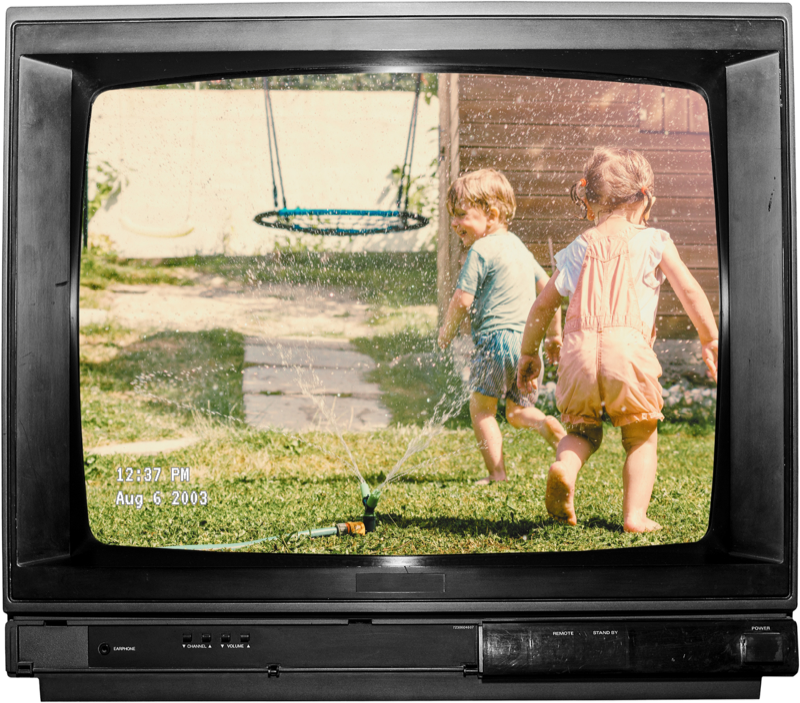
The videos play one after another, like a tape you don’t have to rewind. A small date sits in the corner so you always know where you are. Start at the beginning, or jump to a year or a particular day.
-
4. Watch with your family
Create a group and invite the people who belong there. They can sit down and watch with you. When you allow it, they can add their own videos too. Shared groups and invitations are part of Standard and Archive plans, but on a Free plan you can still join groups you’re invited into.
-
5. Keep the ones that matter close
Mark your favorite videos so they’re easy to find. Create playlists of birthdays, a trip, or a special person. Leave comments on videos in shared groups to reconnect about all those old memories. Or split a long video into multiple clips so you can share just the right moments.
Your videos stay in the group.
People join only by invitation. There is no public gallery, and no one outside the group can browse what you’ve saved.
Start with your own library. Upgrade when you want the family in the room.